Schedule Posts from Google Sheets
Post to TikTok, Instagram, and YouTube without ever leaving Google Sheets and Google Drive
- Select your preferred post time slots and frequency
 Link directly to your Google Drive. No need to upload anything to Postiplier
Fill rows in your sheet and automatically turn them into scheduled posts


| Media | Caption | |
|---|---|---|
| 1 | video1.mp4 | Follow for more! |
| 2 | image1.jpg, image2.jpg | Comment BONUS... |
| 3 |
Cross-post with Ctrl+C + Ctrl+V
| Media | Caption | |
|---|---|---|
| 1 | video1.mp4 | Follow for more! |
| 2 | image1.jpg, image2.jpg | Comment BONUS... |
| 3 | video2.mp4 | Here are the top... |
Instantly cross-post on all your social media accounts
Each tab is a social media account
Copy & paste, drag & drop and you are done
"Upload" videos with @
| Media | Caption | |
|---|---|---|
| 1 | ||
| 2 | ||
| 3 |
Simply type @ in your Google Sheets to search and link files from your Google Drive
No need to upload – just reference your existing files
Post consistently
Every day at 10 AM? Every weekday at 6 PM?
TikTok twice a day and YouTube twice a week?
Do the setup only once and change it whenever you need
Easy to integrate into your workflow
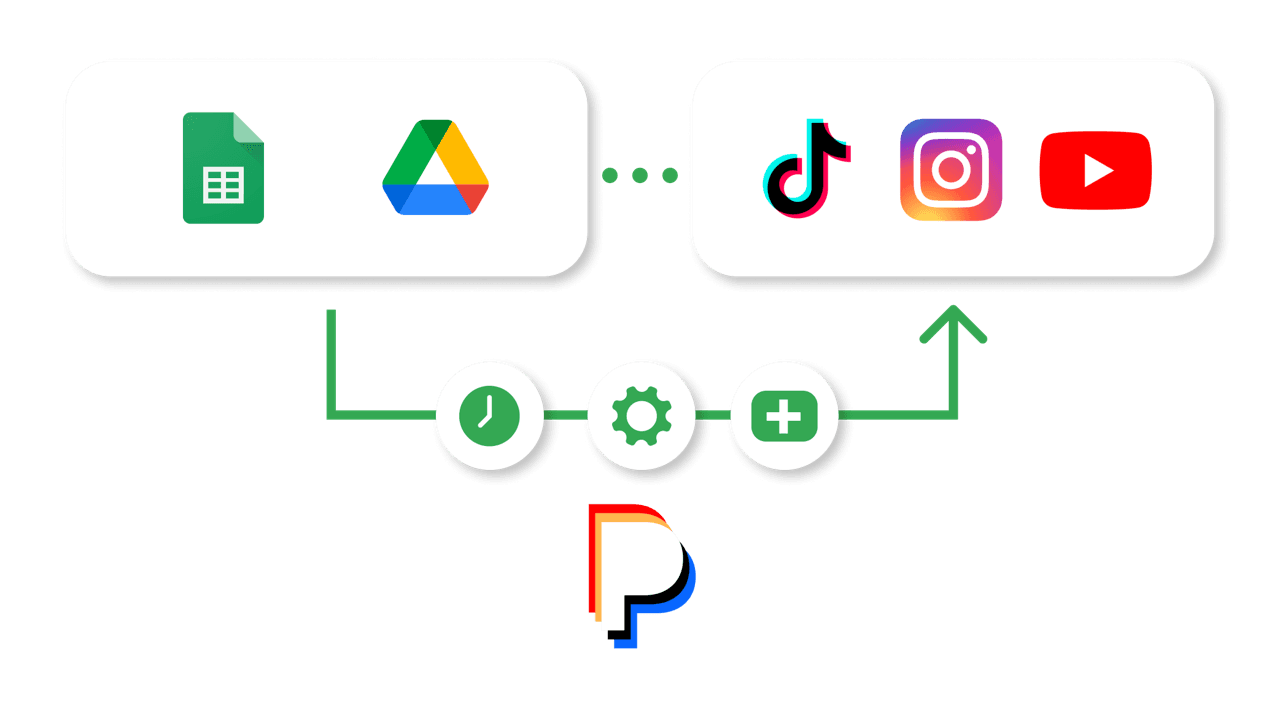
If you have ever opened Excel or Google Sheets, you are good to go.
You don't even need to open Postiplier in your day-to-day. Just fill the rows in your Google Sheets and we will take care of the rest.
You don't need to adapt to our workflow. We adapt to yours.
Frictionless third-party integration
XYZ Company
Click below to link your social media account to XYZ Company
Posting for someone else?
Simply send them a link and ask them to connect their social accounts. Done. They don't need to subscribe to anything. Just 3 taps and their 3 accounts are connected
The truly hassle-free scheduling tool
| Other platforms | Postiplier | |||||||||||||
|---|---|---|---|---|---|---|---|---|---|---|---|---|---|---|
| Adding bulk posts | A nightmare | Add, switch, and delete rows on Google Sheets Instagram | YouTube
| ||||||||||||
| Deleting a scheduled post | A nightmare | |||||||||||||
| Changing the order of the posts | A nightmare | |||||||||||||
| Cross-posting | A nightmare |
If you have ever tried Adding bulk posts, Deleting a scheduled post, Changing the order of the posts, Cross-posting you know
Other platforms
A nightmare
Postiplier
Add, switch, and delete rows directly on Google Sheets
| Media | Caption | |
|---|---|---|
| 1 | video1.mp4 | Follow for more! |
| 2 | image1.jpg, image2.jpg | Comment BONUS... |
| 3 |
One price for everyone
Even our pricing is designed to save you from the hassle.
$24 billed yearly (save 50%)
- ✓Unlimited posts
- ✓Unlimited user accounts
No credit card required
FrequentlyAskedQuestions
Why switch from Buffer or Hootsuite?
How does the Google Sheets integration work?
What social platforms do you support?
How many social accounts can I connect?
What is a channel?
Can I connect multiple accounts (channels) to the same platform?
How many posts can I make and schedule per month?
What types of content can I post? Can I post carousels and stories?
What happens if I need to change or delete a scheduled post?
Will my posts get less reach using this app?
How does the client authentication work?
Do I need to share my social media passwords with you?
Can I customize my posting schedule?
Can I cancel anytime?
See Postiplier in action
Ready to get started?
Connect your accounts, set up your Google Sheet, and start posting in minutes


